
Xactimate Estimates: The Carrier Audit Logic Your Scope Needs to Survive
The Adjuster Isn't Your First Problem — the Algorithm Is
Most contractors assume their Xactimate estimate gets cut because an adjuster disagrees with the scope. That's rarely where the damage happens. Before a human desk reviewer reads a single line item, the estimate has already passed through carrier audit software — tools like Xactimate's built-in audit flags, or third-party platforms such as Verisk's ClaimXperience and Mitchell's AuditMate — that score the estimate against statistical benchmarks for your region, trade category, and claim type.
If your line items deviate far enough from those benchmarks, they get flagged automatically. The adjuster then opens your file with a pre-populated list of "concerns." They are not starting from neutral. They are confirming a machine's suspicions.
Understanding that sequence changes how you write a restoration scope entirely.
What the Audit Flags Actually Target
Carrier audit tools score estimates along a handful of predictable dimensions. Knowing them lets you write defensively without padding or omitting legitimate work.
Price per square foot vs. regional average. If your total estimate divided by the affected area lands more than roughly 15–20% above the regional median for that claim type, the file gets flagged. This matters most on water damage and fire scopes where mitigation and reconstruction overlap. Separating those phases clearly — with distinct line items and separate subtotals — keeps each phase within its own benchmark range rather than letting the combined number trigger a flag on either.
Overhead and profit percentage. Carriers audit O&P relentlessly. The standard 10/10 is defensible; anything above it requires documentation of why the job warrants a general contractor role. If you are coordinating three or more subcontracted trades, say so explicitly in the scope notes. "GC coordination required: HVAC, electrical, and drywall subcontractors managed under single contract" is a sentence that survives audit. "O&P applied per industry standard" does not.
Line item density in specific categories. A water damage estimate with more than eight or nine line items in the "temporary services" category draws scrutiny. So does a fire scope with an unusually high count of "clean and deodorize" items relative to the affected area. The flag isn't always about the total cost — it's about pattern recognition. A scope that looks like it was built to hit a number rather than document actual conditions reads differently than one that reflects a logical sequence of work.
Missing companion items. Audit software checks for expected line item pairings. If you include drywall removal but no disposal, or carpet removal but no floor prep, the system flags the scope as potentially incomplete — which paradoxically can also trigger a review for over-billing, because incomplete scopes sometimes indicate padding elsewhere. Pair every removal with its disposal. Pair every resurfacing with its prep. These aren't just accurate; they're audit-proof.
Writing the Scope Notes That Actually Protect You
Xactimate's line items carry the dollar value, but the scope notes carry the argument. Most contractors write scope notes as an afterthought — a sentence or two at the top of the estimate that restates what the line items already say. That's a missed opportunity.
Effective scope notes do three things: they explain conditions that justify non-standard line items, they document what the photos show, and they pre-answer the questions an adjuster is likely to ask.
For example, if you're billing WTR EXTR for water extraction on a concrete subfloor — a line item adjusters frequently challenge because concrete is "non-absorbent" — your note should read something like: "Standing water present on concrete slab at time of inspection; moisture readings at 97% RH in affected zone; extraction required prior to drying equipment placement per IICRC S500 protocol." That note ties the line item to a measurable condition, a professional standard, and a logical sequence. An adjuster who cuts it now has to explain why they're overriding the S500, which most won't do.
The same principle applies to any line item outside the statistical norm. You are not defending yourself after the fact — you are building the record before the flag ever fires.
The Category Errors That Bleed Money on Every File
Two systematic mistakes appear in Xactimate estimates across the industry, and both are fixable in under an hour of training.
Using the wrong activity code for the claim type. Xactimate's price database is segmented by activity — mitigation, remediation, reconstruction — and by trade. Billing a reconstruction labor rate for what is clearly a mitigation task, or vice versa, triggers an automatic mismatch flag. More importantly, it often means you're billing a lower rate than you're entitled to. Mitigation labor rates in most regions run higher than reconstruction labor rates for equivalent work, because the urgency and equipment requirements differ. Confirm the activity code before you finalize any estimate.
Applying the wrong unit of measure. This sounds elementary, but it's one of the most common sources of adjuster disputes. Billing LF where the database expects SF, or EA where it expects SY, produces a number that looks inflated even when the underlying quantity is accurate. Run a unit-of-measure audit on every estimate before submission — check that every line item's unit matches the field measurement it's derived from.
Where Restoration Software Changes the Math
Writing tighter scopes is partly a skill problem and partly a workflow problem. When estimators are also managing job sites, answering subcontractor calls, and updating clients, the estimate gets written fast and reviewed never. That's where restoration project management software earns its place — not as an estimating tool, but as the system that keeps the estimator's attention on the estimate.
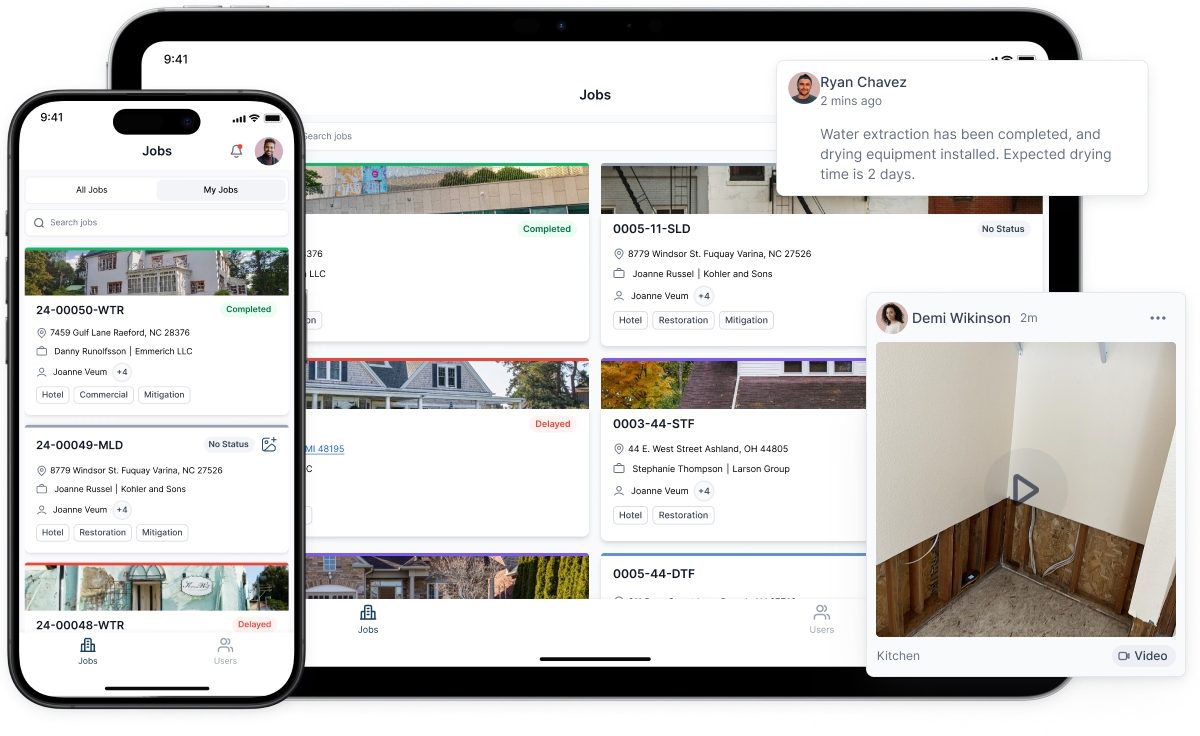
Platforms built for restoration companies integrate job documentation, photo management, and task tracking so that by the time an estimator opens Xactimate, the supporting record is already assembled. Photos are tagged to rooms and conditions. Moisture logs are attached. Subcontractor notes are timestamped. The estimator is writing from a complete record rather than reconstructing events from memory.
That completeness shows in the scope. When every line item has a corresponding photo and a documented condition, the scope notes almost write themselves — and they hold through audit because they're grounded in contemporaneous records, not post-hoc justifications.
How CRM Data Strengthens Your Negotiating Position
A CRM for restoration companies does something that estimating software alone cannot: it builds a historical record of how your estimates perform with specific carriers and specific adjusters. That record is more useful than most contractors realize.
If your restoration CRM tracks which line items get cut on which carrier's files, you can identify patterns within two or three months of consistent use. Maybe Carrier A consistently cuts your equipment mobilization line items but never touches your labor. Maybe Carrier B accepts O&P without question but fights every temporary service item. Those patterns let you write carrier-specific scopes — not by omitting legitimate work, but by front-loading the documentation on the items that carrier historically challenges.
Restoration project management software that includes CRM functionality also lets you track adjuster-specific behavior over time. An adjuster who has accepted your S500-cited scope notes three times in a row is less likely to fight them on the fourth file. An adjuster who has cut the same line item twice is telling you something about their interpretation of the policy language — information worth having before you write the next estimate on their desk.
The Supplement Moment Most Contractors Miss
Supplementing is not a last resort. It's a standard part of the restoration scope process, and the contractors who treat it that way recover significantly more per file than those who supplement only when an adjuster pushes back hard enough.
The most reliably successful supplements are those filed within the first 30 days of a claim, before the adjuster has closed the file in their own system. After 45 days, many carriers require supervisor approval to reopen a line item. After 90 days, the file may be administratively closed and require a formal dispute process to revisit.
Build supplement triggers into your project workflow: a checklist item at the 14-day mark that asks whether hidden damage discovered during demolition has been documented and submitted, and another at 28 days that confirms all subcontractor invoices have been reconciled against the approved estimate. Both of those checkpoints are natural features of restoration project management software — they don't require a separate process, just a configured task template.
What Adjusters Notice That Audit Software Doesn't
Audit software catches statistical anomalies. Human adjusters catch logical inconsistencies. An estimate that passes the algorithm can still get cut if it doesn't tell a coherent story.
The most common logical inconsistency in water damage scopes: the affected area in the mitigation section doesn't match the affected area in the reconstruction section. If you extracted water from 400 square feet of flooring but are replacing 600 square feet, an adjuster will ask why. The answer may be completely legitimate — perhaps the flooring replacement area includes pre-existing damage that the carrier is covering under a separate provision, or the water migrated under walls into an adjacent room. But if that explanation isn't in the scope notes, the adjuster's default assumption is error or inflation.
Read your completed estimate as a narrative before you submit it. Does the sequence of events make sense? Does the affected area remain consistent across sections, or is there a documented reason it changes? Does the total reflect the conditions you actually found? An estimate that answers those questions without prompting is an estimate that closes faster and supplements more successfully.


