
Xactimate Estimates: Write Scopes That Hold Through Carrier Desk Reviews
The Adjuster's Pencil Is Already in the Room Before You Write a Single Line
Most Xactimate estimate disputes don't start at the desk review. They start the moment a contractor builds a scope without understanding how the adjuster's desk software flags line items. Adjusters using Xactimate's auditing tools — and most large carriers do — run automated checks that compare your line items against regional pricing averages, flag duplicate operations, and challenge overhead and profit on anything they can classify as a simple repair. If you don't know what those checks look for, you're writing estimates that get cut before a human even reads them.
That single insight reshapes how a restoration contractor should approach every estimate. Not as a document that describes what happened, but as a document that anticipates objections and pre-empts them with the right combination of line items, notes, and supporting data.
Why "Write What You See" Produces Underpaid Scopes
The most common estimating error isn't padding — it's omission. A technician walks a water-damaged kitchen, measures the affected area, and builds a scope around the obvious: extract, dry, demo drywall, replace. What gets missed is the cascade of related line items that are legitimate, defensible, and consistently left on the table.
Consider a Category 2 loss with 200 square feet of affected LVP flooring in a kitchen. A minimal scope might include floor removal, content manipulation, and drying equipment. A complete scope includes: floor removal with subfloor inspection, antimicrobial application to the subfloor, baseboard removal and reset (separate from wall demo), toe-kick removal, appliance move and reset if the dishwasher or refrigerator sits on the affected area, and a floor protection line item for unaffected adjacent surfaces during demo. Each of those is a real operation. Each has a corresponding Xactimate line item. Leaving them out doesn't make the estimate conservative — it makes it incomplete, and incomplete scopes get treated as low-complexity losses at settlement.
The discipline is to document every trade operation, not every symptom. Water migration behind a dishwasher is a symptom. Pulling the dishwasher, inspecting, treating, and resetting it is a trade operation. Xactimate prices operations, not symptoms.
The Line Items Adjusters Challenge Most Often — and How to Hold Them
Certain categories draw scrutiny on nearly every large loss. Knowing which ones, and how to defend them, is worth more than any estimating course.
Overhead and Profit (O&P): Carriers frequently deny O&P on restoration work, arguing it applies only to general contractors managing multiple subcontractors. The counter is straightforward: if your company is coordinating multiple trades — mitigation, demo, reconstruction, contents — you are functioning as a general contractor on that loss. Document it. A brief scope note stating "Contractor coordinating mitigation, structural drying, reconstruction, and contents restoration across three trade categories" is often enough to hold O&P through a desk review.
Structural Drying Equipment: Adjusters increasingly challenge equipment line items by comparing your placement against the IICRC S500 drying chamber calculations. If your equipment log doesn't reflect the square footage, LGR capacity, and airflow requirements justified by the affected area, those line items are vulnerable. Match your equipment placement to a documented drying plan, and attach it.
Detach and Reset vs. Remove and Replace: Misclassifying an operation here costs money in both directions. Calling a detach-and-reset a remove-and-replace inflates the estimate and invites a supplement dispute; calling a remove-and-replace a detach-and-reset underpays the actual work. Cabinets, light fixtures, and plumbing trim are the most frequent misclassifications. When in doubt, photograph the condition before you touch anything and write the line item that matches the documented condition.
Minimum Charges: Xactimate includes minimum charge line items for trades like painting, plumbing, and electrical. These are legitimate and frequently omitted. A loss that requires a licensed plumber to disconnect and reconnect a supply line — even if the operation takes 45 minutes — carries a plumbing minimum charge. Apply it.
Remote Xactimate Estimates: Where They Work and Where They Break Down
The use of remote Xactimate estimates accelerated sharply after 2020, and many carriers now prefer them for straightforward losses under a certain dollar threshold. For a restoration company, the remote estimate model cuts windshield time and lets senior estimators handle more volume. But it introduces a documentation burden that in-person estimates don't carry.
A remote Xactimate estimate lives or dies on the quality of the field data it's built from. If the technician on-site captures incomplete measurements, misses moisture readings behind walls, or doesn't photograph every affected material, the remote estimator is working with a partial picture. The result is a scope that gets supplemented repeatedly — or worse, a scope that gets settled low because the supplement process stalls.
The fix is a standardized field data collection protocol. Every remote estimate should be built from: a complete Matterport or equivalent 3D scan or a full set of measured room sketches, moisture mapping with readings at every affected surface (not just the floor), a photo set organized by room and material, and a written description of any condition the photos don't capture clearly. That last item — the written field note — is the one most commonly skipped and the one that most often determines whether a supplement gets approved.
How Restoration CRM Connects to Estimate Quality
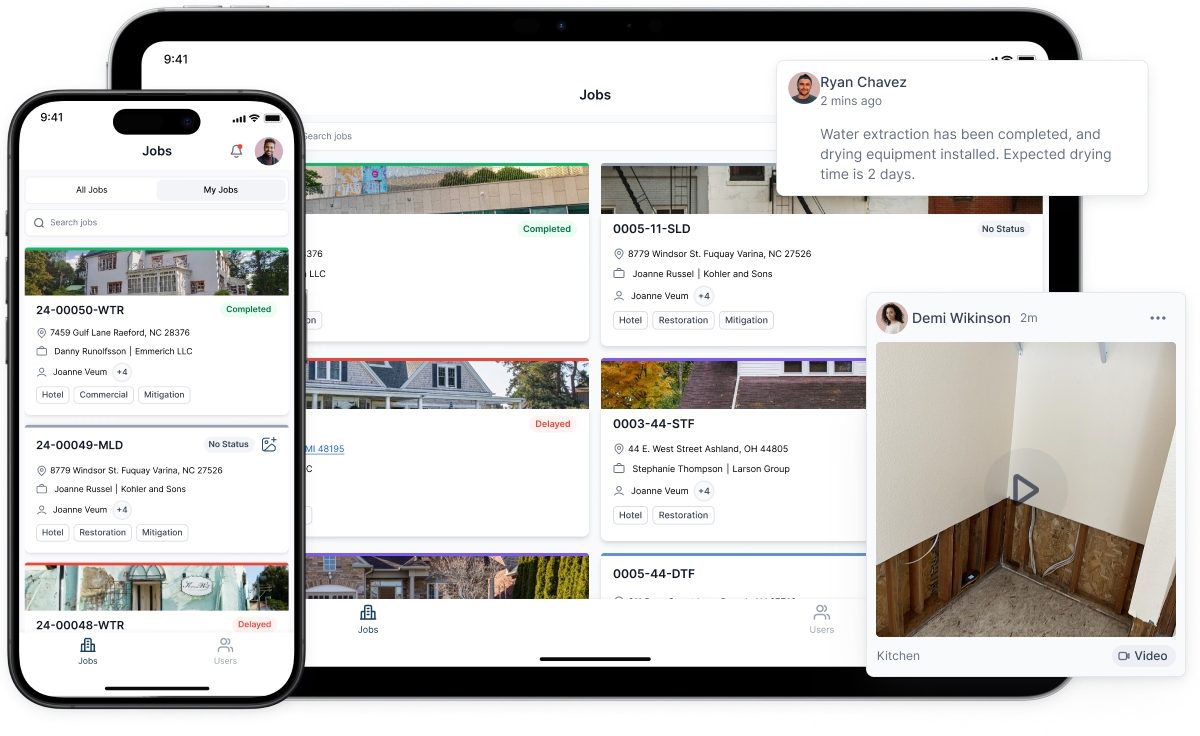
Estimating doesn't happen in isolation. The data that feeds a good Xactimate scope — loss date, affected materials, carrier contact, adjuster assignment, prior supplement history — lives in your operational system. Companies running a restoration CRM that connects job documentation to the estimating workflow produce more complete scopes faster, because the estimator isn't reconstructing the loss from memory or a disorganized photo folder.
A CRM for restoration companies built around the job lifecycle — intake, mitigation, estimate, reconstruction, close — means the estimator opens a job and sees the moisture logs, the equipment placement, the carrier contact, and the field notes in one place. That context changes what gets written. An estimator who can see that the technician ran a dehumidifier for 11 days on a loss the carrier expected to close in 5 will write a different scope than one working from a bare measurement sheet.
Restoration marketing software that tracks lead source and job type also feeds back into estimating strategy. If your data shows that a specific carrier consistently disputes drying equipment on commercial losses, that's a pattern worth building into your scope template for that carrier — more documentation, more explicit IICRC references, earlier adjuster contact. That kind of feedback loop doesn't exist without organized job data.
Building a Scope Template That Survives Carrier Audits
The most efficient estimators don't start from a blank Xactimate canvas. They maintain scope templates by loss type — Category 1 bathroom overflow, Category 2 appliance leak, Category 3 sewage, fire with smoke, and so on — that capture the full range of legitimate line items for that loss category. The template is a checklist, not a default scope. Every line item still gets verified against the actual conditions. But nothing gets forgotten.
A solid template for a Category 2 kitchen loss, for example, includes a section specifically for trade minimums, a section for contents operations (move, protect, treat, reset), and a section for building systems (HVAC inspection if ducts are in the affected area, electrical inspection if water reached a panel or outlet). Those sections prompt the estimator to look, not assume.
Pair the template with a supplement log. Every time a line item gets added after initial submission — and why — record it. Over six months, that log tells you exactly where your initial scopes are consistently thin. Fix the template. The supplement rate drops. Cycle time shortens. Payments arrive faster.
The Conversation With the Adjuster That Most Contractors Avoid
Calling the adjuster before submitting a large estimate is not a sign of uncertainty. It's a sign of operational maturity, and adjusters who handle restoration losses regularly respond well to it. A two-minute call that says "I'm submitting a scope on [claim number] tomorrow — the loss has some complexity around [specific condition], and I want to make sure we're aligned before it goes to desk review" accomplishes three things: it surfaces any carrier-specific requirements you might not know about, it establishes a direct contact for the supplement conversation if one becomes necessary, and it signals that you're a contractor who documents and communicates, which affects how closely the estimate gets scrutinized.
The adjusters who push back hardest on restoration scopes are often responding to a pattern of inflated or sloppy estimates from other contractors. Differentiate your work with documentation, specificity, and direct communication. The estimate is the argument. Make it one that doesn't need to be relitigated.


