
Xactimate Estimates: The Line Items Adjusters Fight and How to Win Them
The Estimate Isn't the Finish Line — It's the Opening Argument
Most restoration contractors treat an Xactimate estimate as a deliverable. Write the scope, attach the file, submit to the adjuster, wait. That framing costs real money. An Xactimate estimate is closer to a legal brief: every line item is a claim that must be supportable, and the adjuster on the other side has seen every shortcut you've taken. The contractors who consistently close at or near their submitted number don't have better software — they have a tighter process behind the software.
This article focuses on the specific line items that generate the most pushback, why they get cut, and what documentation closes those gaps before the first supplement request arrives.
Why Adjusters Cut the Lines They Cut
Adjusters aren't arbitrary. They work from their own Xactimate profiles, internal desk-review checklists, and carrier-specific pricing matrices. When they remove a line item, it's almost always for one of three reasons: the item wasn't visible in the photos, it wasn't supported by a drying log or moisture reading, or it was a duplicate of a line already priced elsewhere in the estimate.
The third reason is the quietest and the most expensive. A scope that includes both WTR LAY - Water extraction, large area and a separate line for equipment mobilization without distinguishing the two trips will get one of them deleted — often the higher one. Knowing which line items overlap in Xactimate's pricing logic, and writing notes that explain why both belong, is a skill that comes from reading the line item descriptions in the database, not from running the software on autopilot.
The Line Items Most Likely to Get Cut — and How to Defend Them
The following aren't the only contested items, but they account for the majority of supplement disputes in residential water and fire losses.
Contents manipulation (CON MANIP)
Adjusters frequently delete contents manipulation charges when photos show a largely empty room. The fix is simple: photograph contents before you move them, and timestamp those photos. If your restoration software or CRM for restoration companies logs photo uploads tied to the job timeline, that metadata becomes part of your documentation package automatically.
Antimicrobial application (ANTMIC)
Carriers increasingly require a visible mold threat or a Category 2/3 loss classification to approve antimicrobial charges. Document the water source explicitly in your water damage logs — a sewage backup and a clean supply-line break are not the same loss, and the log entry should say so in plain language, not just in a checked box.
Structural drying equipment beyond the first 24 hours
This is where restoration scope and documentation intersect most directly. An adjuster reviewing a five-day dry-out wants to see daily moisture readings, equipment placement maps, and a reason the structure didn't reach goal on day two. If your water damage logs are a single entry at job close, you will lose the equipment days. Logs that record readings at each structural assembly — not just the ambient air — are harder to dispute because they show a drying curve, not a conclusion.
Detach and reset versus replace
Pricing a full cabinet replacement when a detach-and-reset was feasible is a common trigger for adjuster reductions. The reverse also happens: scoping a detach-and-reset when the cabinet construction makes reinstallation impractical. Either way, a photograph of the cabinet box condition and a written note in the estimate explaining the call will hold up better than a line item alone.
Overhead and profit (O&P)
The fight over O&P is older than most of the people having it. The standard position — that a general contractor coordinating three or more trades on a residential loss is entitled to O&P — is well established. What weakens the claim is an estimate that doesn't reflect general contractor involvement: no subcontractor lines, no coordination complexity, no scope that would plausibly require a GC. Build the scope to match the actual job, and O&P follows logically.
Remote Xactimate Estimates: What They Change and What They Don't
The shift toward remote Xactimate estimate work — where a specialist prices the loss from sketch files, photos, and moisture reports rather than walking the property — has compressed cycle times on large-loss commercial claims and made it easier for smaller contractors to access experienced estimators without hiring them full-time. That's real. But remote estimating doesn't change the documentation requirements; it concentrates them.
When an estimator is on-site, they can catch what the photographer missed. A remote estimator works entirely from what was captured. If the photo set has no picture of the subfloor under the floating floor that was pulled, the remote estimate won't include subfloor treatment — and neither will the adjuster's approval. The quality of a remote Xactimate estimate is a direct function of the field documentation protocol, not the estimator's skill alone.
Contractors who have made remote estimating work well tend to use a structured photo checklist — room by room, assembly by assembly — and pair it with a moisture map that identifies every affected material separately. That combination gives a remote estimator enough to write a defensible scope without guessing.
Where Restoration Software and CRM Fit Into the Estimate Process
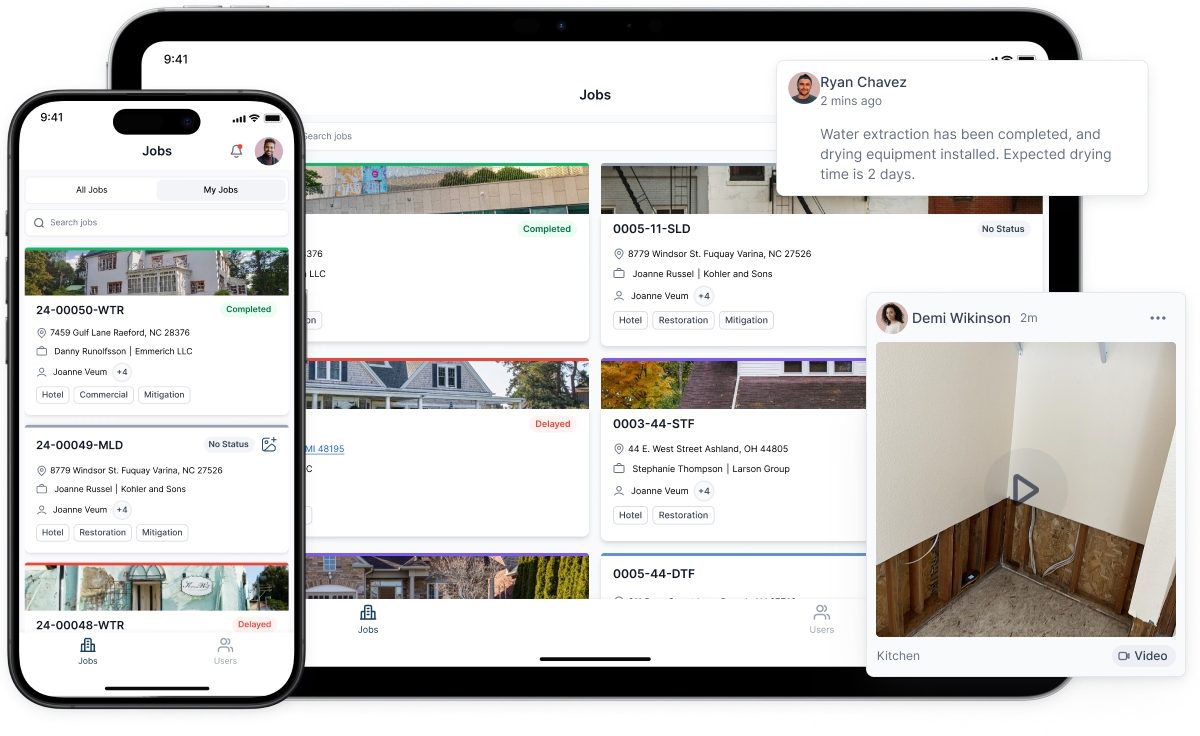
Xactimate prices the work. It doesn't manage the job, track the customer, or store the documentation that supports the estimate. That gap is where restoration software and a purpose-built restoration CRM earn their place.
A CRM for restoration companies that connects job intake, field documentation, and estimate status in one place does something specific: it makes the audit trail automatic. When an adjuster asks for the original moisture readings from day one of a loss, the answer shouldn't require a phone call to the technician who ran the job. It should be a thirty-second export from the job record.
The same logic applies to water damage logs. Logs that live in a technician's notebook or a disconnected spreadsheet don't attach to the estimate. Logs that live inside the job record in your restoration software can be exported alongside the Xactimate file as a single documentation package — which is what a well-prepared supplement looks like before the adjuster asks for one.
The integration between field data and estimate data is also where cycle time shrinks. When moisture readings feed directly into the job record and the job record informs the scope, the estimator isn't reconstructing the loss from memory or chasing paperwork. The restoration scope writes closer to itself.
Supplement Strategy: Before You Submit, Not After
Most supplement requests are reactive — the adjuster cuts something, the contractor pushes back. That sequence is slow and often inconclusive. A better approach is to anticipate the cuts and address them in the original submission.
Practically, this means including a short narrative note on any line item that falls outside a standard residential scope. Not a paragraph — two sentences that answer the question the adjuster will ask. For a five-day dry-out: "Moisture readings at the OSB subfloor averaged 22% through day four; goal was 16%. Daily logs attached." For contents manipulation: "Contents were present at time of loss; see timestamped photos in attachment." The adjuster who can approve a line item without writing a denial and waiting for a supplement will often do exactly that.
This isn't about padding the narrative. It's about removing the adjuster's easiest reason to cut. A line item with no support is a guess. A line item with a two-sentence explanation and attached documentation is a position.
The Skill That Separates Consistent Closers
Contractors who close estimates close to their submitted number share one habit: they treat the documentation process and the estimating process as the same process, not sequential steps. The field technician who understands why daily moisture readings matter to the estimate writes better logs. The estimator who understands what the adjuster's desk-review checklist looks for writes tighter scopes. The project manager who uses a restoration CRM to connect both ends of that chain spends less time on supplements and more time on the next job.
Xactimate is a pricing tool. What it prices is only as strong as the documentation behind it. Build that infrastructure first, and the estimates follow.


